PTO software that runs the whole organization, not just a website
Spreadsheets, Drive folders, and random tools are not an operating system. Officers need a school-branded public site, a family login, and Staff that survives June.
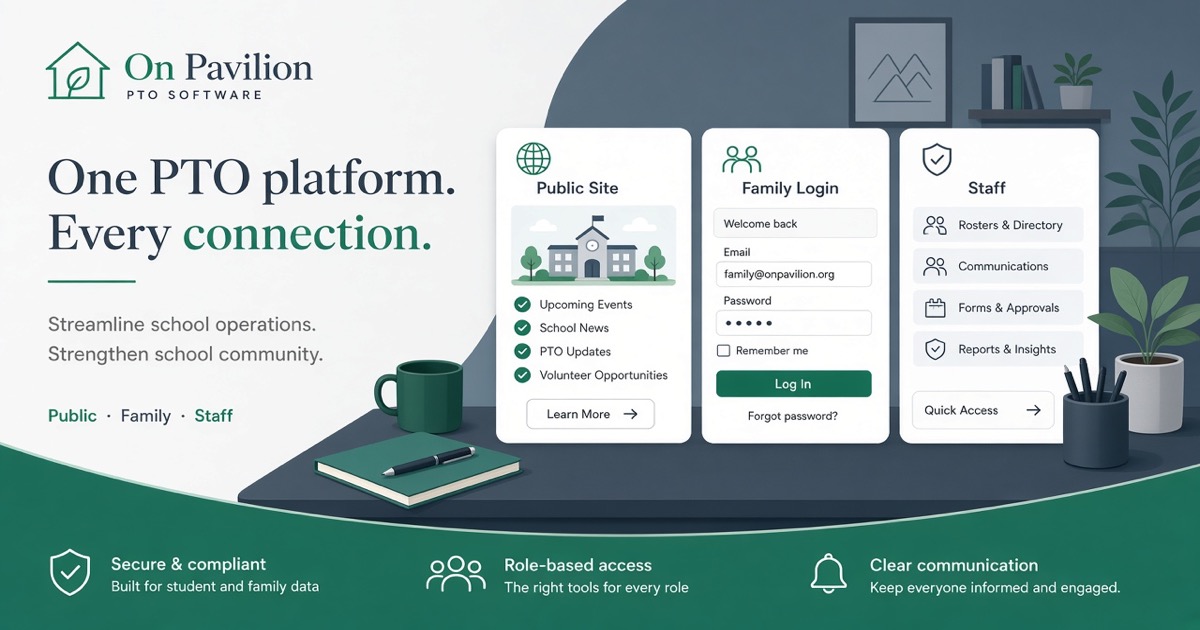
PTO software should be an operating system, not a brochure
Most PTO “websites” are a brochure with a donate button and a Google Form.
Membership lives in a sheet. Volunteer shifts live in another link. Minutes live in someone’s Drive. When the treasurer steps down, the truth leaves with them.
That is not software for the organization. That is a pile of tools that happen to mention the school.
What breaks today
Officers burn nights reconciling who paid, who signed up, and which link is current.
Parents learn a new brand for every ask. Join here. Pay there. Sign up somewhere else.
Incoming chairs inherit a scavenger hunt: Canva logins, form owners, and a spreadsheet that only one person trusted.
If your PTO software only publishes pages, it leaves the year on personal accounts.
Three surfaces, one school brand
On Pavilion is built as an operating system for the school group:
1. Public site on your school brand. Meetings, programs, and the story parents expect. 2. Family login for dues, shifts, and updates. Households stop keeping five passwords. 3. Staff for officers. Budgets, queues, and history stay with the role, not a personal Gmail.
Parents should never see “Pavilion” on the school experience. Your logo. Your domain. Your receipts.
Parent cards stay on your school Square. The Pavilion software invoice is separate: $2,000 to build, then $75/mo care. See Pricing.
Officer handoff is part of the product
June is not a redesign season. It is a continuity test.
If membership and vendor contacts only live in last year’s laptop, the new board starts from zero. Staff keeps the year on the officer seat so the next chair opens a system, not a scavenger hunt.
That angle is why continuity shows up across the product, not as a PDF tip alone. For the handoff playbook, start with the Officer Continuity Playbook. For how the three surfaces fit together, read Public site, family login, and Staff.
Who this is for
PTOs and PTAs that already feel the tool pile.
Boosters that need a public front door parents trust, with Staff behind it.
Foundations that want programs and giving on the same household login pattern.
It is not a trade-contractor portal. That is a different product line. School groups stay here.
Start with the category, not a city page
Search “PTO software” when you mean the operating system. Local county pages exist where we already work. They do not change the product. Category pages stay national on purpose. No invented district sites.
See the PTO and PTA solution, Pricing, and About. Book a walkthrough from Contact, or open the public demo at demo.onpavilion.com.
Call or text +1 (571) 600-2835 if you want a live desk check before you commit the board.